
From first take to finished mix
How It Works
Field Four keeps the recorder in view while the song takes shape. Start with a sound, build up the arrangement, make room when you need it, and finish a mix.
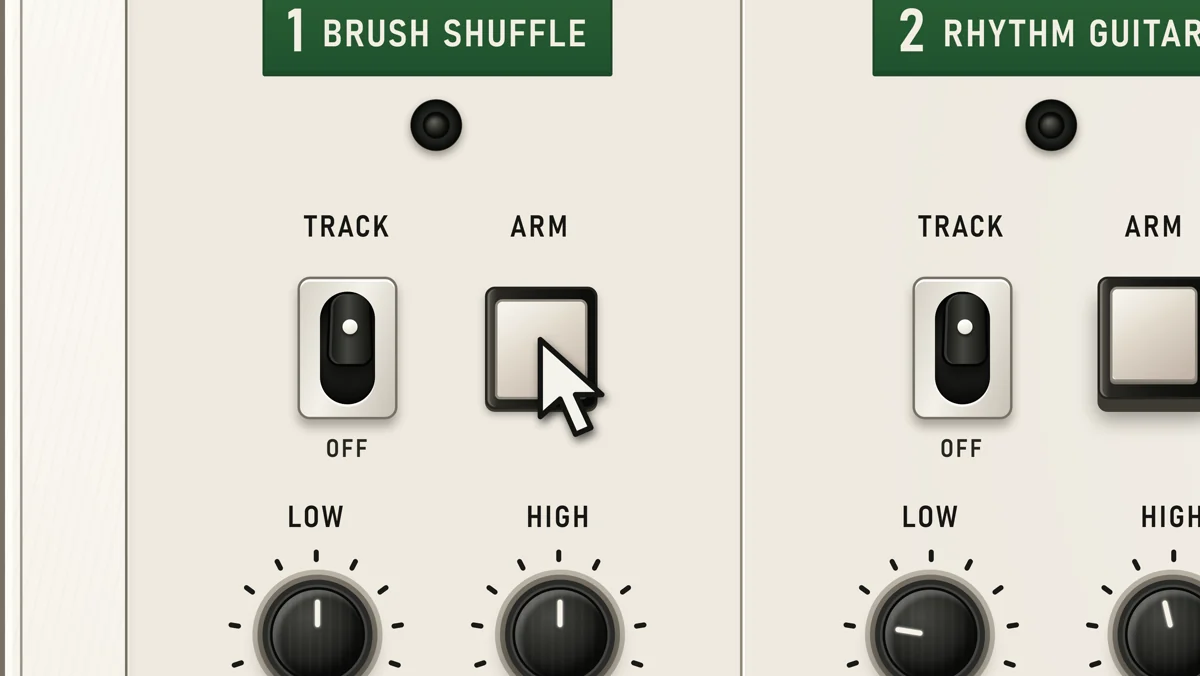
Start with a sound
Choose a microphone, instrument or audio playing on your computer, then record it to one or two Tracks. Field Four gets you from an idea to a first take quickly.
See it take shape
Your Tracks, levels, pan, tone and transport remain in front of you as you build. Listen to what you have, arm the next Track and add another part without hunting through menus.
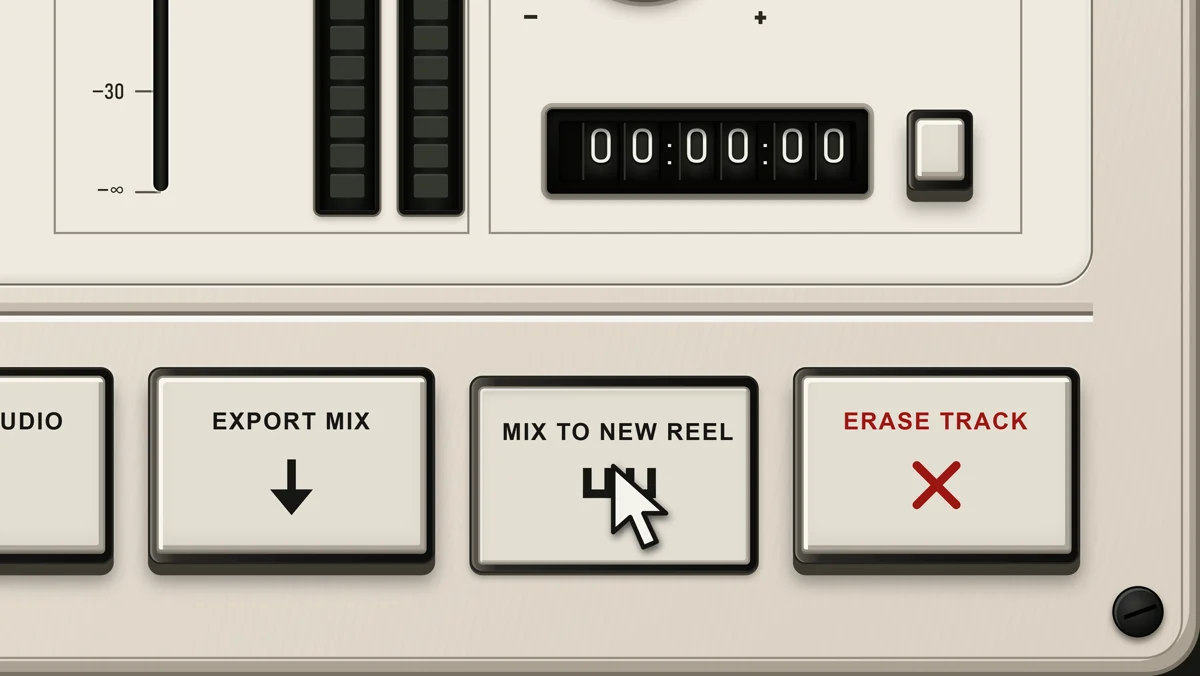
Four Tracks, room to continue
Four Tracks are the working surface, not a hard ceiling. Bounce several Tracks onto one to make space, or mix the Reel to a fresh mono or stereo Reel and continue recording.
Continuing the tradition
Reverse and Vari-speed offer classic tape tricks from the era of Pet Sounds and Sgt. Pepper’s Lonely Hearts Club Band. The Tape switch adds a fixed analogue warmth as you record, bounce or mix, building through successive generations.
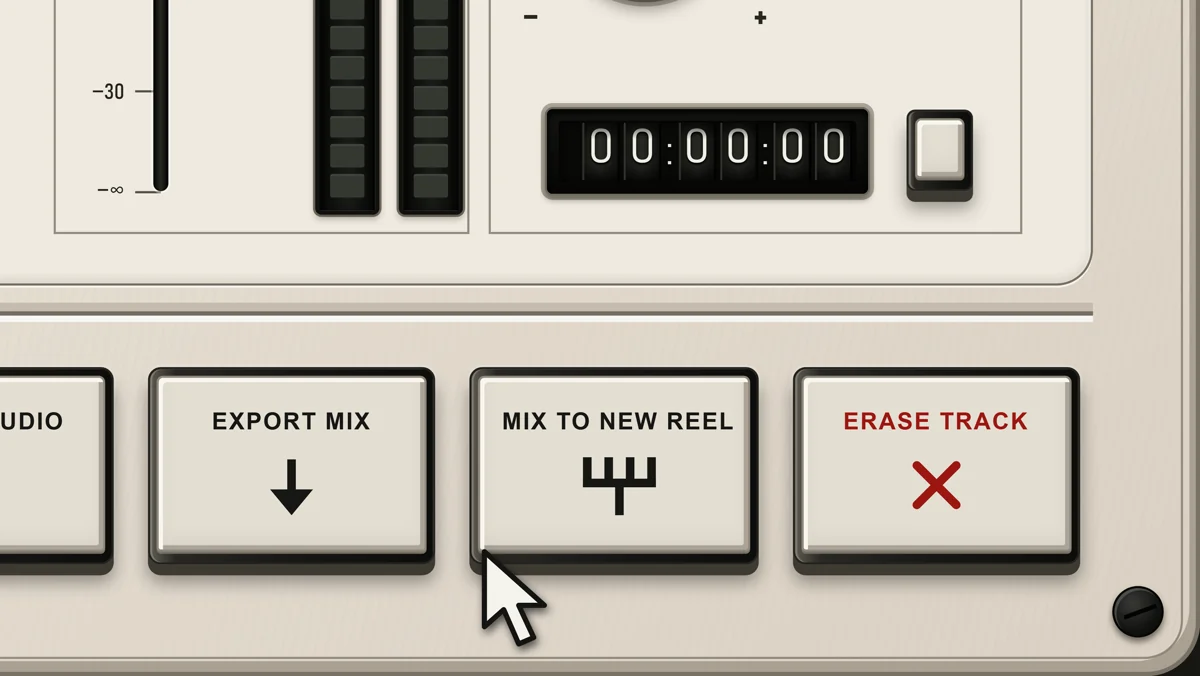
Keep what you made
Export the finished mix as a WAV master or high-quality MP3. Every recorded Track also remains available as an ordinary WAV file, ready if you want to continue elsewhere.
Read the manual (opens in a new tab)Free for Windows. Public release in preparation.
Download